Solar CRM + Field Ops + Workforce

Run your solar business on one workflow—from lead to installation.

XVRYTHING is a modern operating system for solar teams. Capture leads, schedule inspections, coordinate crews, track installs, and keep customers informed—without spreadsheets or handoff chaos.

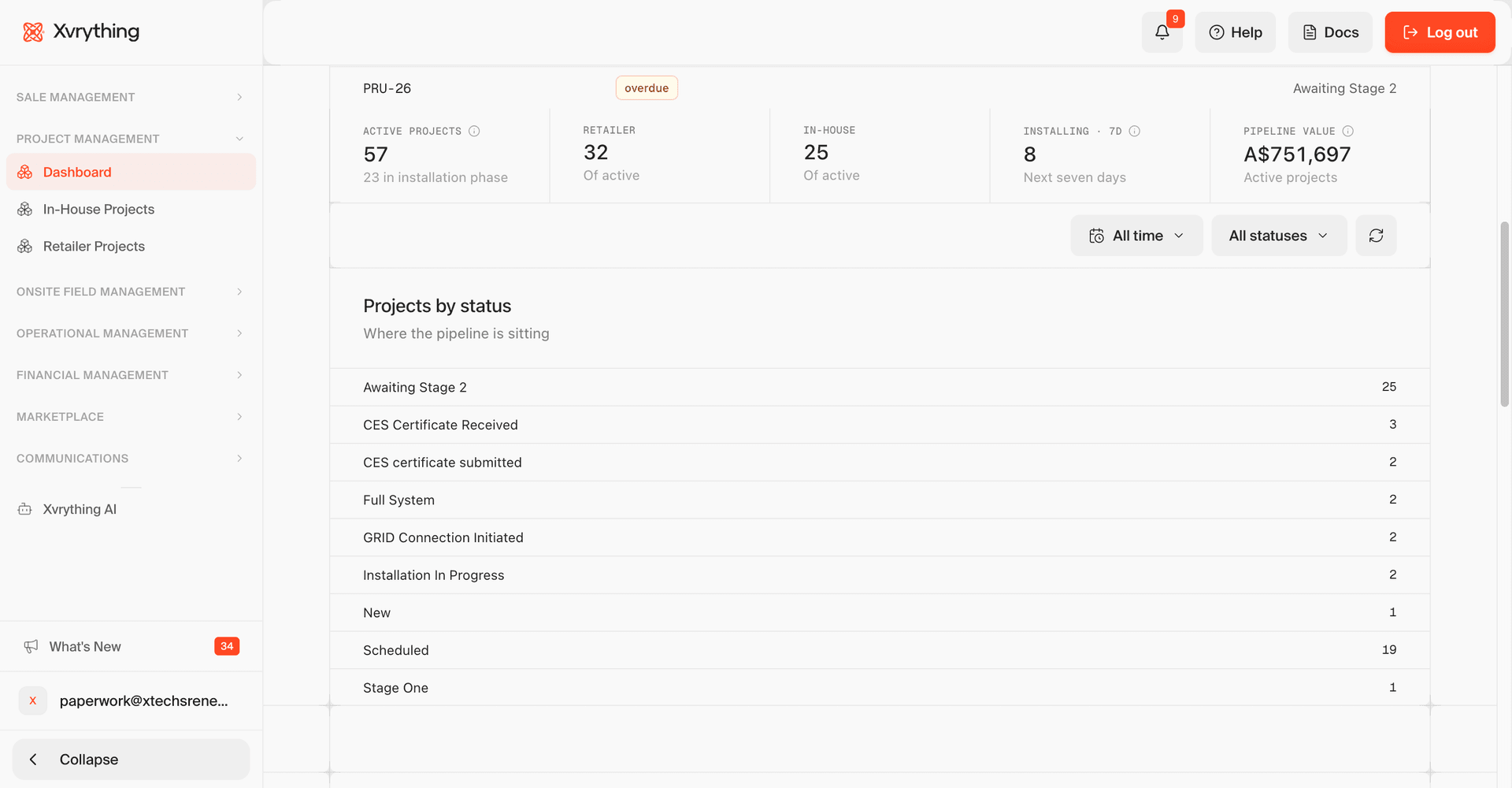
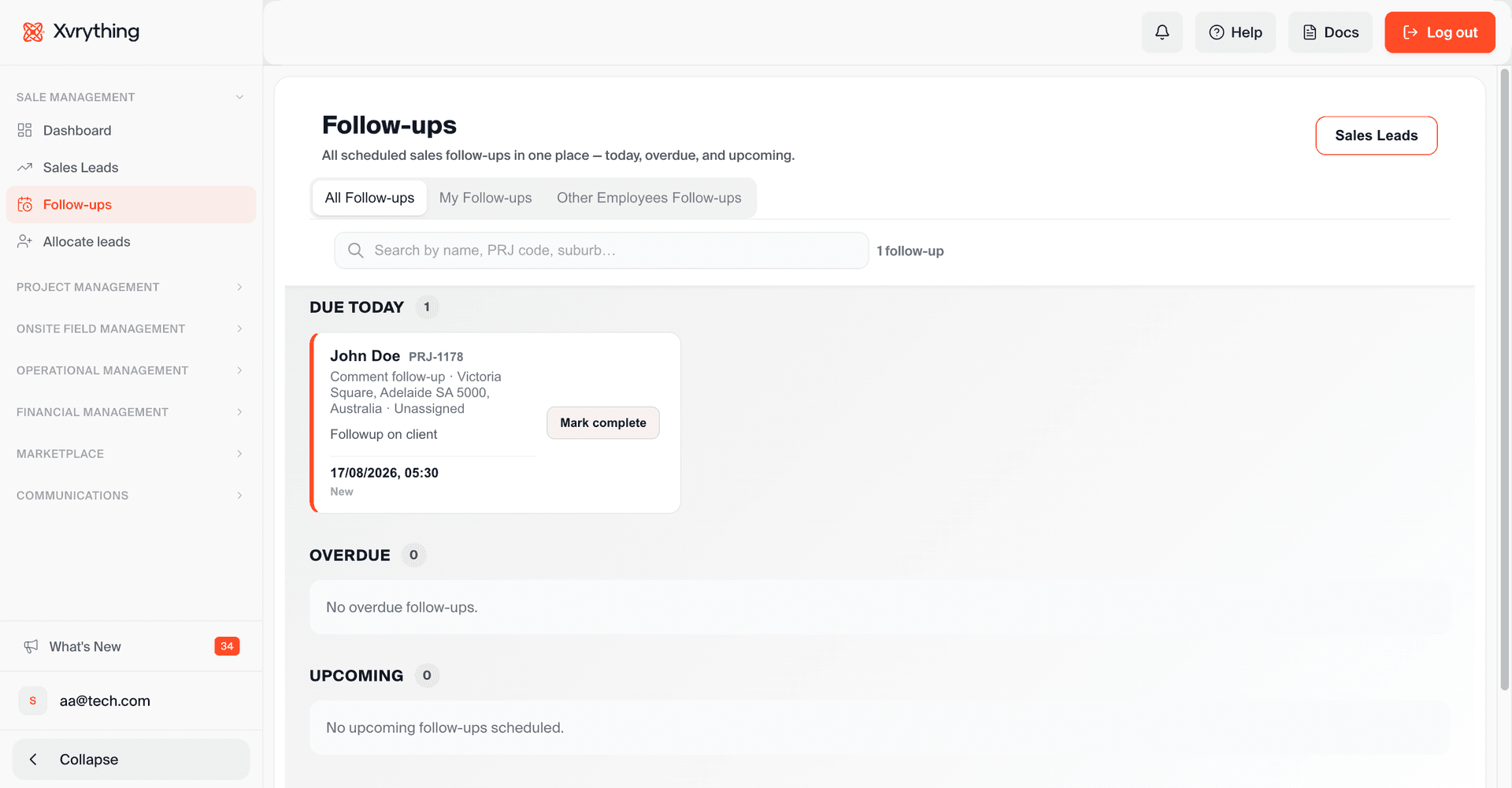
XVRYTHING leads kanban previewXVRYTHING sales dashboard preview

Get more done with modules working side by side

Scale projects and operations with execution running 24/7
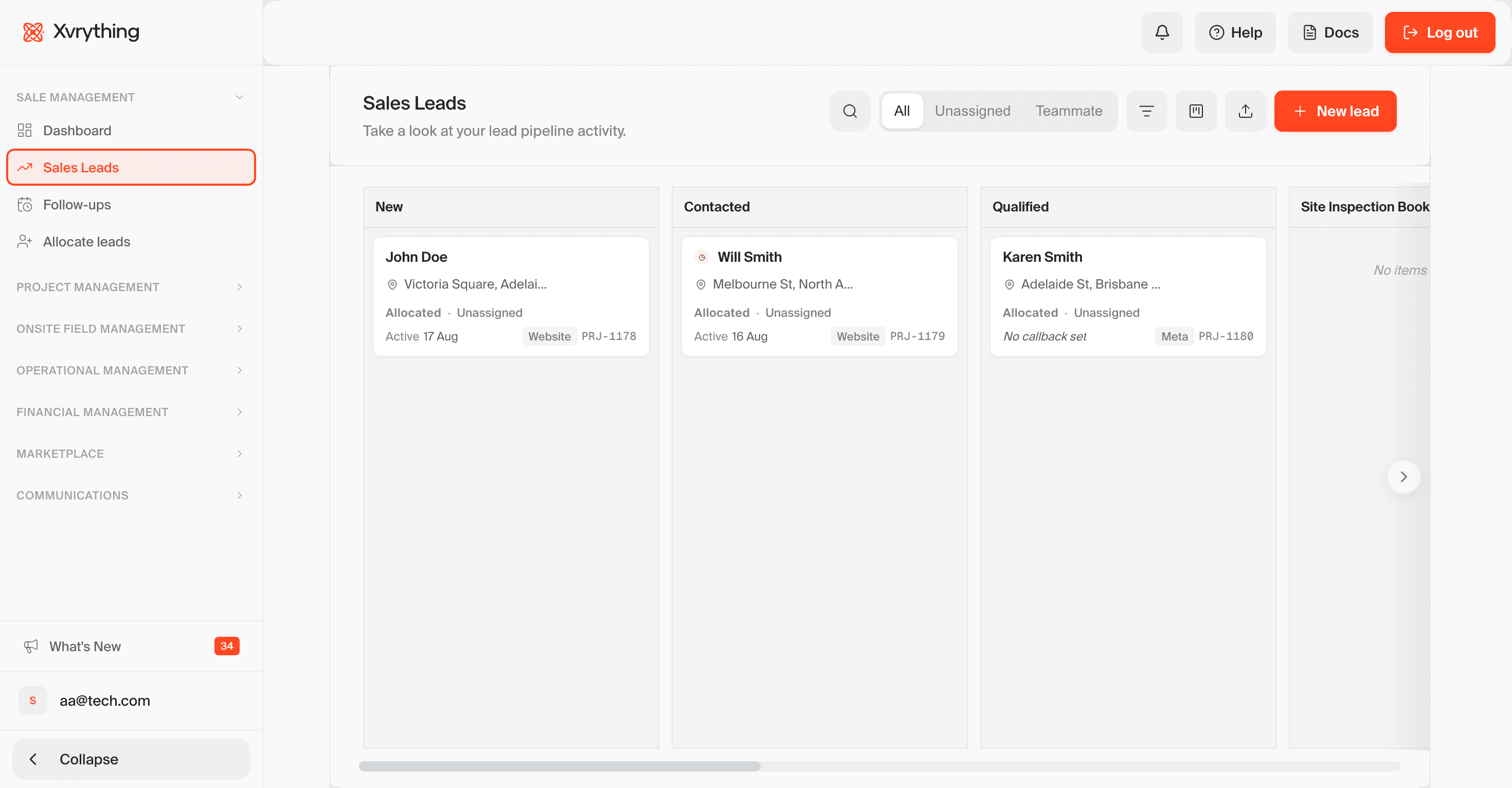
Accelerate revenue by eliminating pipeline friction

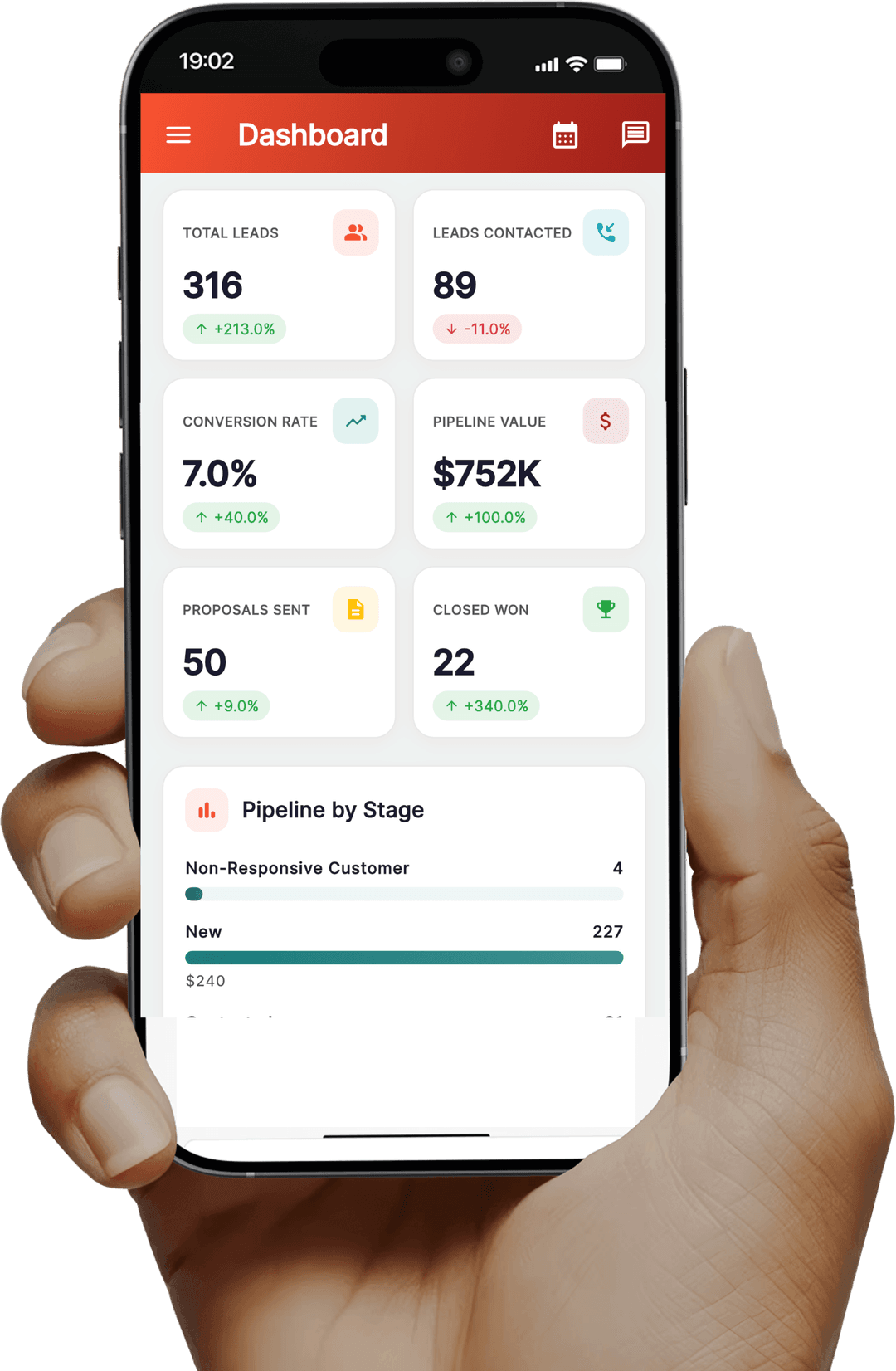
Track deals using automated stage progressions, instant status updates, and customized quoting tools so your reps can focus on closing contracts.

Accelerate revenue by eliminating pipeline friction Desktop View
Accelerate revenue by eliminating pipeline friction Mobile View

Connect your tech stack and discover tools with XVRYTHING's Marketplace

Integrate XVRYTHING with the apps that drive your business. Seamlessly connect your favorite software or find new tools with tailored recommendations.

Solar CRM · how work moves

One job record. Every desk, every handoff.

Pipeline, updates, and field capture write to the same place — so retailers, inspectors, and installers stop reconciling spreadsheets at the end of the day.

Atmospheric solar array backdrop for pipeline module
01Lead → Inspect → Assign

One job record. Every desk writes to it.

Retailer, inspector, and installer stop owning separate versions of the truth. XVRYTHING keeps the lead, site visit, compliance pack, and crew assign on a single shared timeline.

  • Retailer
  • Inspector
  • Installer

At a glance

Job
Glen Waverley install
Stage
Ready to assign
Owned by
Operations
Waiting on
Nothing
  1. 01
    Lead lands once

    Source, system size, and retailer notes sit on the job before anyone books a site visit.

    Starts in the CRM
  2. 02
    Inspection unlocks the next step

    When the visit is done, the job moves forward — no email forward, no re-typing the address or roof notes.

    After the inspection
  3. 03
    Compliance stays with the job

    SWMS, JSA, and certificates attach to the same record before scheduling can start.

    Docs stay attached
  4. 04
    Crew gets the full brief

    The nearest available crew inherits specs, notes, and history in one assign — not a scattered handoff.

    Assign with context
See how the pipeline works
Atmospheric signal backdrop for communications module
02Notify · Remind · Confirm

Everyone hears the same status.

Permit windows, install-day reminders, and completion notices come from the job timeline. Customers, crews, and retailers get the right message — without conflicting stories in a group chat.

  • Customer
  • Crew
  • Retailer

At a glance

Sequence
Install day pack
Sent by
SMS, email, portal
Driven by
Job status
Mixed messages
None
  1. 01
    Permit approval starts the clock

    The wait window opens, and every stakeholder sees the same timing from the same place.

    Shared timeline
  2. 02
    Day-before reminders go out together

    Crew gets the job pack; customer gets the arrival window — two messages, one schedule.

    Day before install
  3. 03
    Delays update themselves

    If the crew marks delayed, the customer SMS updates from that same status — no rewrite by hand.

    Live status
  4. 04
    Sign-off closes the loop

    When the customer confirms, the portal and retailer both get the completion notice.

    Job complete
See how updates work
Atmospheric field equipment backdrop for field module
03Capture · Comply · Close

What happens on site writes back home.

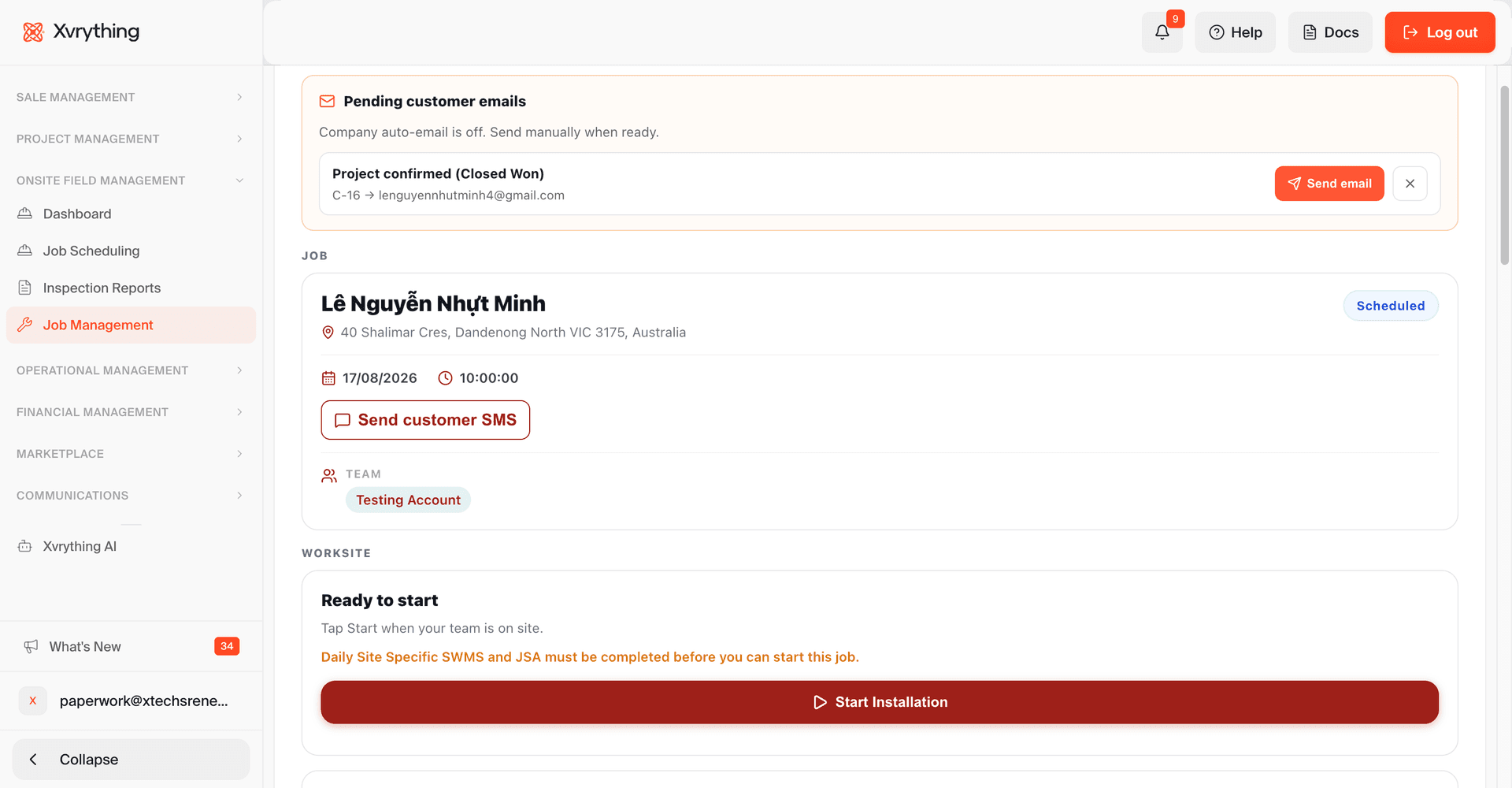
Photos, safety forms, checklists, attendance, and customer sign-off stay on the job — not lost in chat. Crews can keep working when reception drops, then sync when they’re back online.

  • Installer
  • Helper
  • Customer

At a glance

Used on
Phone or tablet
Sync
Back to the job
Forms
SWMS, JSA, checklist
Closed by
On-site sign-off
  1. 01
    Open the job, get the brief

    Roof notes, switchboard photos, and retailer context open with the assign — no paper chase on arrival.

    Full brief on open
  2. 02
    Safety forms stay on the record

    SWMS and JSA signatures save against the job before work continues.

    Signed on site
  3. 03
    Photos and checks stay searchable

    Pass/fail items, comments, and photos attach as clear records — easy to find later.

    Evidence stays tidy
  4. 04
    Customer sign-off finishes the stage

    Confirmation and attendance close the install without a trip back to the desk.

    Closed in the field
See field capture

What stays connected

  • Leads
  • Jobs
  • Inspections
  • Documents
  • Crews
  • Updates
  • Customer portal
  • Reports

Accelerate your solar sales and operations with built-in AI tools

Draft customized project proposals in seconds, compose personalized follow-up emails instantly, and leverage data-driven intelligence to eliminate operational bottlenecks.

On the wire

Your crew, one signal.

Assign, notify, and close the loop in real time — sales, field, and ops stay on the same beat instead of chasing updates across email and chat.

  • Task assign with full job context
  • Status changes push to the right role
  • Feedback closes on the same record

Enterprise

Talk to an expert for enterprise solutions

Design and scale tailored service operations with the right architecture, governance, and support — built around how your desks actually hand work off.

Contact sales
  • Premium implementation
  • Enterprise-grade security
  • Advanced permissions
  • 24/7 premium support